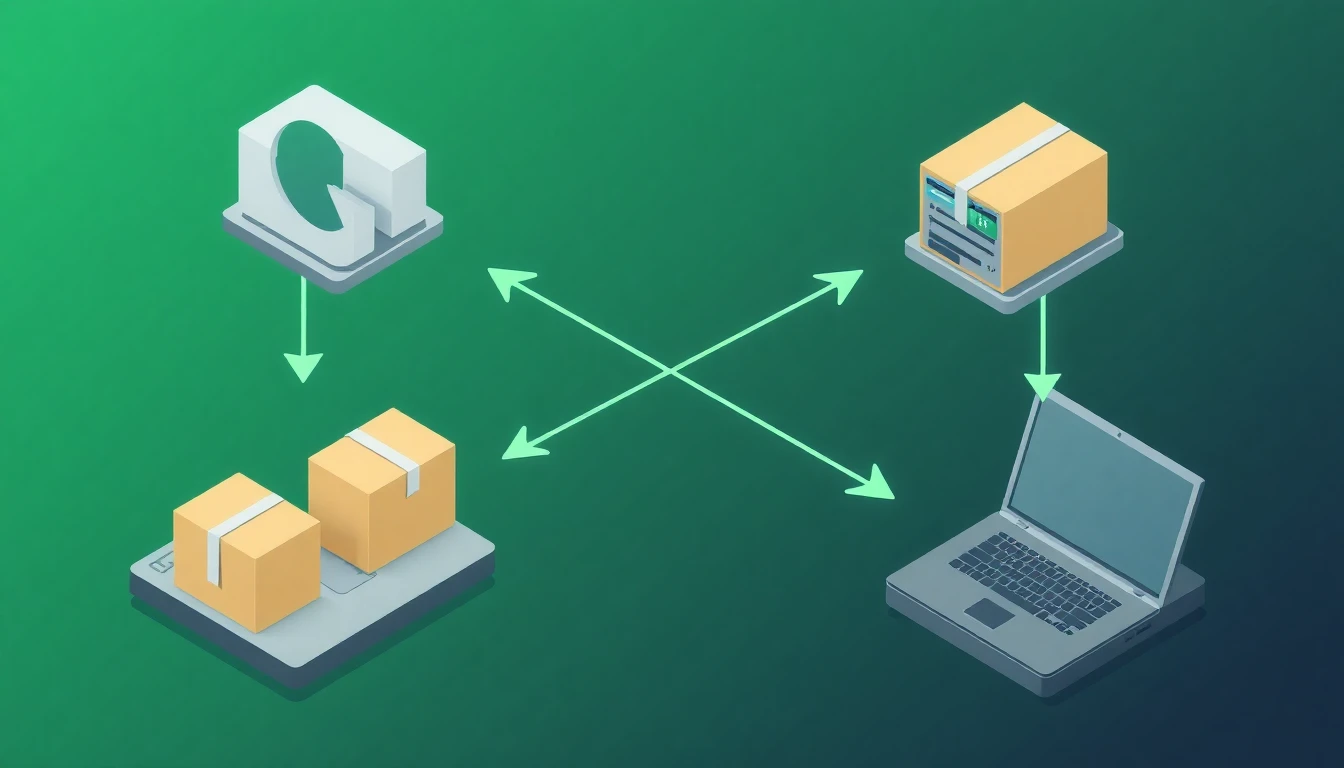
How to Import AliExpress Products to Shopify Automatically
Copying AliExpress product details to Shopify is tedious. Download images, rewrite broken English descriptions, format specifications, set up variants — it takes 30-60 minutes per product. Multiply that by dozens of products and you're spending more time on data entry than actually running your business.
There's a better way.
The Manual Import Problem
Here's what traditional AliExpress-to-Shopify import looks like:
- Find product on AliExpress
- Download all images (5-20 images)
- Copy the title (usually needs rewriting)
- Copy the description (definitely needs rewriting)
- Extract specifications from the listing
- Note all variants and prices
- Create product in Shopify
- Upload images one by one
- Rewrite title and description
- Set up variant options
- Configure pricing
- Repeat for next product
One product: 30-60 minutes. Ten products: an entire day.
Automatic Import with ProdUp
With AI-powered import, the process becomes:
- Copy AliExpress product URL
- Paste into ProdUp
- Click Import
- Review and publish
Time per product: 2-3 minutes.
What Gets Imported
When you paste an AliExpress link, ProdUp extracts:
Images
- All product images from the listing
- Variant-specific images
- Automatic quality enhancement
- Background removal option
Product Data
- Original title (cleaned and optimized)
- Full description
- Product specifications
- All variants (size, color, etc.)
- Original pricing
AI Enhancements
- Rewritten title for Western markets
- Professional product description
- Converted specifications to readable format
- SEO-optimized content
Handling AliExpress Descriptions
AliExpress descriptions are notorious for:
- Broken English and grammar issues
- Excessive keyword stuffing
- Missing important details
- Inconsistent formatting
ProdUp's AI rewrites these into professional, conversion-focused descriptions. The original supplier information is preserved, but the presentation is transformed for your customers.
Before (AliExpress):
"New arrival high quality fashion women casual loose plus size dress summer elegant vintage floral print short sleeve midi dress female vestido"
After (AI-enhanced):
"This elegant floral midi dress combines comfort with style. Features a relaxed fit, soft breathable fabric, and a flattering short-sleeve design perfect for summer occasions. Available in multiple sizes to ensure the perfect fit."
Variant Handling
AliExpress products often have complex variant structures — multiple colors, sizes, and sometimes different materials or styles. ProdUp:
- Imports all variants automatically
- Maps images to correct variants
- Preserves pricing differences
- Creates proper Shopify variant structure
You don't need to manually create each size/color combination.
Pricing Strategy
Imported products come with supplier pricing. ProdUp lets you:
- Set markup percentages
- Round to psychological price points
- Account for shipping costs
- Compare with market pricing
You control your margins while the system handles the math.
Bulk Import
Have multiple products to import? No need to do them one at a time:
- Paste multiple AliExpress URLs
- All products queue for import
- Review each one as it completes
- Publish all at once or individually
Import your entire product lineup in an afternoon instead of a week.
Beyond Just Products
When you import a product, you can also generate:
- Product page with sections optimized for conversion
- Homepage featuring the product
- Supporting pages like FAQ and shipping info
One AliExpress link becomes a complete mini-store.
Common Questions
Does it work with all AliExpress products? Most products with standard listings work perfectly. Some promotional or bundled products may need manual adjustments.
What about variant images? ProdUp maps variant images automatically. If a color has specific images, they're connected to that variant.
Can I edit after import? Absolutely. Everything is editable — title, description, images, pricing, variants. Import is a starting point.
What about supplier information? Product specifications and shipping info are imported for your reference. You control what appears on your store.
Getting Started
Stop spending hours on manual product entry:
- Find a product on AliExpress
- Copy the URL
- Paste into ProdUp
- Let AI handle the rest
The products you want to sell shouldn't take longer to list than they took to find. Import automatically, sell faster.