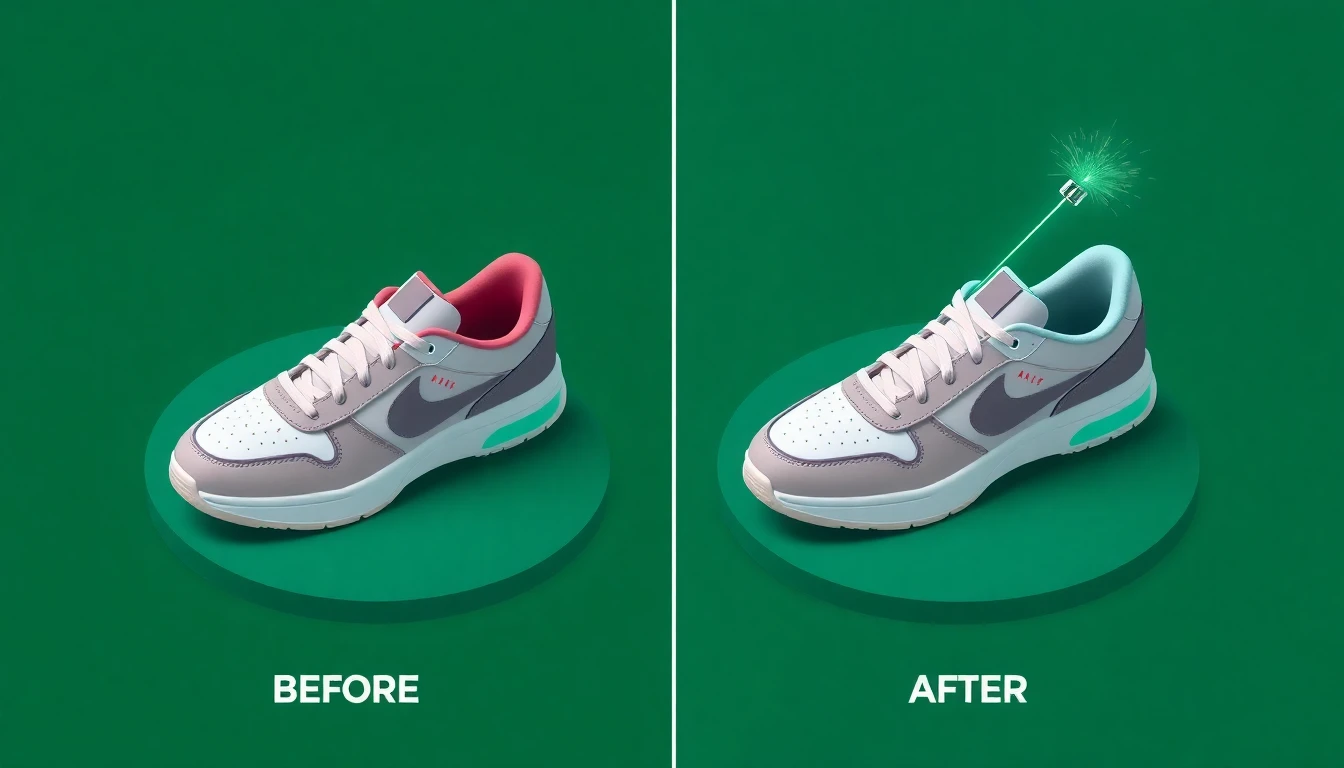
How to Edit Product Images with AI for Your Ecommerce Store
Product images make or break sales. High-quality photos can increase conversion rates by 30% or more. But professional product photography is expensive, and editing software has a steep learning curve.
AI changes this equation. Now you can transform average product photos into professional images in seconds, with no design skills required.
The Image Problem
Most ecommerce sellers face these image challenges:
- Supplier photos are low quality — blurry, poorly lit, cluttered backgrounds
- Consistent style is hard — products from different sources look mismatched
- Professional editing is expensive — $10-50 per image adds up fast
- DIY editing takes forever — Photoshop tutorials only get you so far
AI solves all of these.
What AI Can Do With Your Images
Background Removal
The most common need. AI can:
- Remove any background in seconds
- Leave a clean transparent or white background
- Handle complex edges (hair, fabric, intricate shapes)
- Process multiple images at once
No more manual selection tools or paying per image.
Image Enhancement
Improve quality automatically:
- Upscale low-resolution images
- Sharpen blurry photos
- Adjust lighting and exposure
- Correct color balance
- Remove noise and artifacts
Turn a 500px supplier image into a crisp 2000px product photo.
Background Generation
Replace backgrounds with AI-generated scenes:
- Clean studio backgrounds
- Lifestyle settings (kitchen, living room, outdoors)
- Seasonal themes (holiday, summer, etc.)
- Custom scenes from text descriptions
Same product, infinite contexts.
Object Removal
Clean up distracting elements:
- Remove watermarks
- Eliminate unwanted objects
- Clean up reflections
- Fix imperfections
Polish your images without reshooting.
Practical Workflow
Here's how to use AI image editing for your products:
Step 1: Start With What You Have
Don't overthink the source images. AI can work with:
- Supplier photos from AliExpress
- Quick smartphone shots
- Screenshots from product videos
- Any reasonably clear image
Step 2: Remove Backgrounds
For most products, start with background removal:
- Upload your image
- AI automatically detects the product
- Background is removed in seconds
- Download with transparent or white background
Step 3: Enhance Quality
If the image is low resolution or slightly blurry:
- Select the image for upscaling
- AI enhances resolution and sharpness
- Review the enhanced version
- Use the improved image
Step 4: Generate Variations
Create multiple versions for different uses:
- Main product image (white background)
- Lifestyle shot (contextual background)
- Social media version (square crop, vibrant)
- Zoom detail (cropped and enhanced)
One source image, multiple outputs.
Best Practices
Lighting Matters Most
AI can fix a lot, but it works best with:
- Even, diffused lighting
- No harsh shadows
- Neutral color temperature
- Consistent light direction
Even smartphone photos with good lighting produce great results.
Shoot Multiple Angles
Don't rely on one image per product:
- Front view
- Back view
- Side views
- Detail shots
- Scale reference
More angles = more selling opportunities.
Maintain Consistency
For professional-looking stores:
- Use same background style for all products
- Keep similar lighting across images
- Match image dimensions
- Apply same enhancement settings
AI makes consistency easy because you can batch process with identical settings.
Common Use Cases
Dropshipping Cleanup
Supplier images often have watermarks, busy backgrounds, or low resolution. AI can:
- Remove supplier watermarks
- Replace cluttered backgrounds
- Enhance resolution
- Create consistent product lineup
Private Label Photography
When you have the physical product:
- Shoot with smartphone
- Remove background
- Enhance quality
- Generate lifestyle contexts
Professional results without a photographer.
Variant Images
Need images for color variants you don't have samples of?
- Start with one color variant photo
- AI can adjust colors realistically
- Generate the full variant lineup
Social Media Content
Create scroll-stopping images:
- Dynamic backgrounds
- Text overlay preparation
- Platform-specific dimensions
- Attention-grabbing variations
Cost Comparison
Traditional product image editing:
- Background removal: $3-10 per image
- Retouching: $10-30 per image
- Professional photoshoot: $200-1000+ per session
AI image editing:
- Typically $0.05-0.50 per operation
- Unlimited variations from one image
- Instant results
The economics have shifted dramatically.
Getting Started
Transform your product images today:
- Open your image editor (ProdUp has built-in AI tools)
- Upload a product image
- Try background removal first
- Experiment with enhancements
- Generate a few variations
You don't need a photography studio. You don't need Photoshop expertise. You just need decent source images and AI tools.
Your products deserve professional images. AI makes that accessible to everyone.